My AI coding assistant doesn't know anything about Swym yet.
Every other playbook's prompt calls a specific Swym tool by name, like get-wishlist-ui-install-guide. Those only resolve if your AI coding assistant is already connected to Swym's live documentation. Skip this step and the assistant will guess instead of using Swym's actual, current implementation, which usually means broken or outdated code. This takes under a minute to fix, and it's a one-time setup per tool.
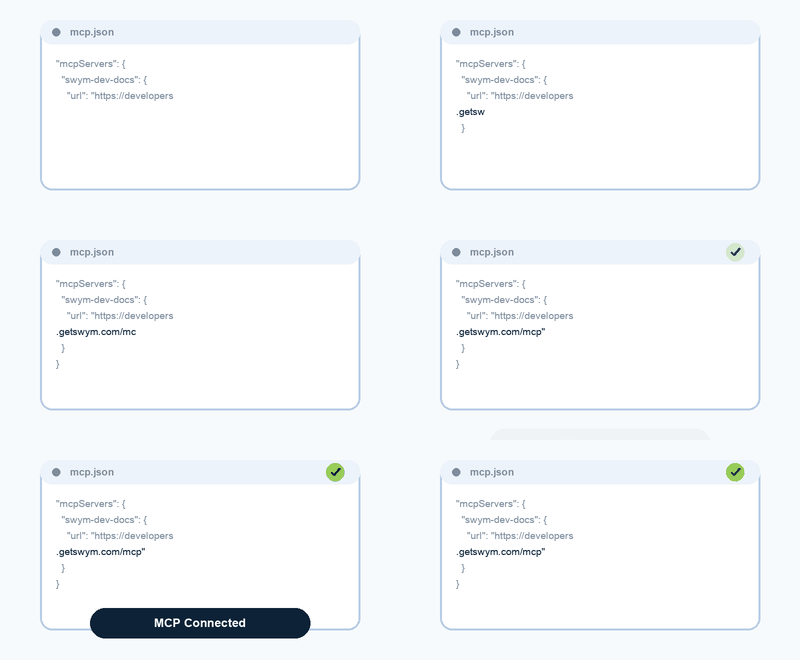
Illustrative concept, not a recording of a real config file.

For readers who'd rather edit the config file by hand, or whose tool isn't listed in the prompt. See the full MCP Server docs for exact config file contents and paths for Cursor, Windsurf, Claude Desktop, Claude Code CLI, and VS Code (Copilot Chat).
Testing your connection
Once connected, start a new chat with your assistant and try:
"Which Swym tools can you see?"
"What does get-wishlist-ui-install-guide do?"
The assistant should pull live documentation from the MCP server to answer, not just from its own training data.
Known gotchas:
Most tools require a restart (or a fresh CLI session) before the new server entry takes effect. No API key or auth token is needed, if a prompt asks the assistant for credentials here, something's wrong. In Claude Code, --transport http matters: without it, the URL is treated as a local command and the server never connects. --scope user makes it available in every folder, including your theme folder.
What changes
- Swym Dev Docs MCP server added to your AI assistant's config
- Assistant can now call Swym's live docs mid-conversation